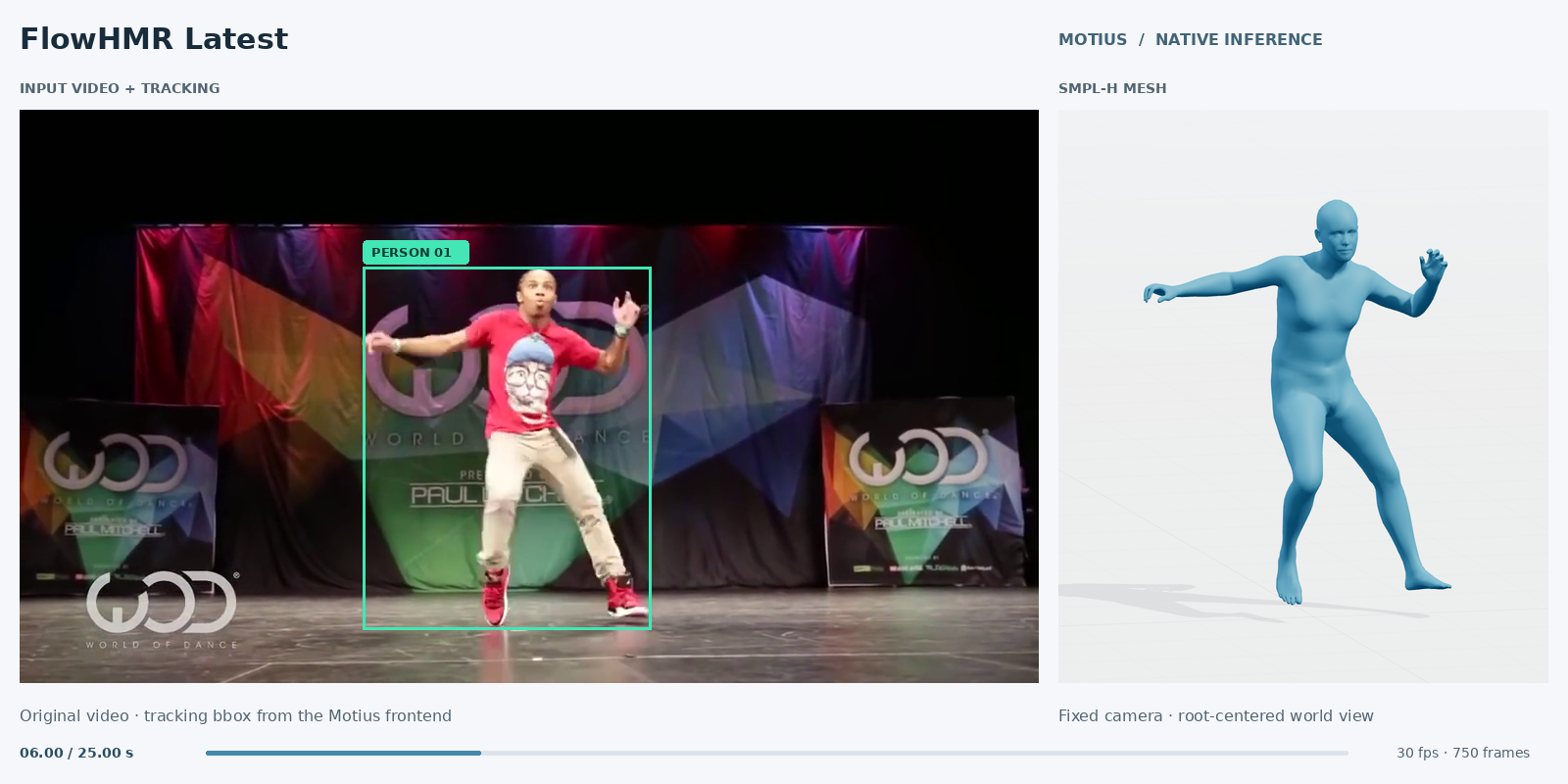
FlowHMR
integrated.
Monocular motion capture, integrated into Motius.

An open framework for motion research
Different methods.
A shared research workflow.
Run released motion models, train HYMotion, and compare results with explicit evaluation protocols. Connect their outputs across motion formats, skeletons, and characters.
News
 possibilities.
Integrations and releases.
The latest from Motius.
Monocular motion capture, integrated into Motius.
The first public release of the framework.
Get started01 / Models & tasks
Explore established and recent methods through task-oriented pipelines, with model cards, checkpoints, and rendered outputs.
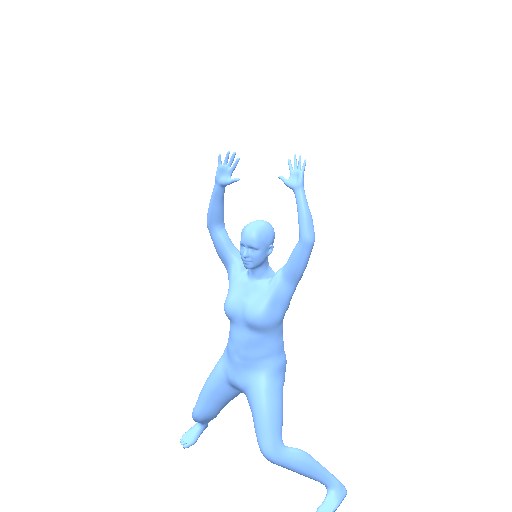
Input: “a person jumps with legs open while clapping with hands over head simultaneously.” HYMotion output, rendered as an SMPL mesh.
AIST++ waacking music conditions Bailando's generated dance. This mesh preview is silent; audio-synchronized comparisons are available in the benchmark.
CondMDI · OmniControl · KIMODO
Selected integrations, not the full catalog. Inference and training support are documented separately.
All models & tasks02 / Inference & training
Spend less time reconciling separate repositories. Use documented task APIs for inference and explicit data contracts for training.
Run a released model
Load a packaged checkpoint and generate motion. The HYMotion Lite example below produces a six-second sequence at its native 30 fps.
from motius import Pipeline

pipe = Pipeline.from_pretrained(
    "ZeyuLing/Motius-HYMotion-T2M-1.0-Lite",
    device="cuda",
)
out = pipe.infer_text_to_motion(
    ["a person practices tai chi"],
    num_frames=[180],
)
motion = out["latent"]
Requires model weights and a compatible GPU environment. The example is independent of the preview above.
Inference guide ↗Train & fine-tune HYMotion
Use the native trainer with public configurations, distributed execution, checkpoints, and full-state resume.
# Linux / Bash · replace dataset paths
MOTIUS_DATA_ROOT=/path/to/hymotion201 \
MOTIUS_TRAIN_MANIFEST=train.json \
MOTIUS_MOTION_STATS=/path/to/stats \
bash tools/dist_train.sh \
  configs/hymotion_t2m/train_hymotion_t2m.py 8 \
  --work-dir outputs/training/hymotion_t2m \
  --auto-resume
Prepare HY-Motion-201 arrays, matching normalization statistics, and cached Qwen3/CLIP text features. This launch uses eight GPUs.
Data preparation & training ↗03 / Evaluation & benchmarks
A model name is not an evaluation setting. Keep the dataset split, representation, evaluator checkpoint, and scored predictions traceable.
Universal TMR is trained on HYMotion Data SFT and the single-person MotionHub training union. It is not an official TMR checkpoint. Compare methods within a fixed protocol, not scores across different embedding spaces.
All evaluators & physical diagnostics ↗Open the leaderboard, then inspect the generated examples. Publication status distinguishes complete comparisons from metric-only settings.
04 / Motion conversion & character tools
Bridge model representations, retarget motion to different skeletons, and export animated characters. A connected toolkit alongside the research workflow.
The same source clip across skeletons, body models, and Unitree G1. Joint-only and cross-skeleton conversions may be approximate.
Amy, Maria, Michelle, and Remy from Adobe Mixamo, alongside the source skeleton and SMPL mesh.
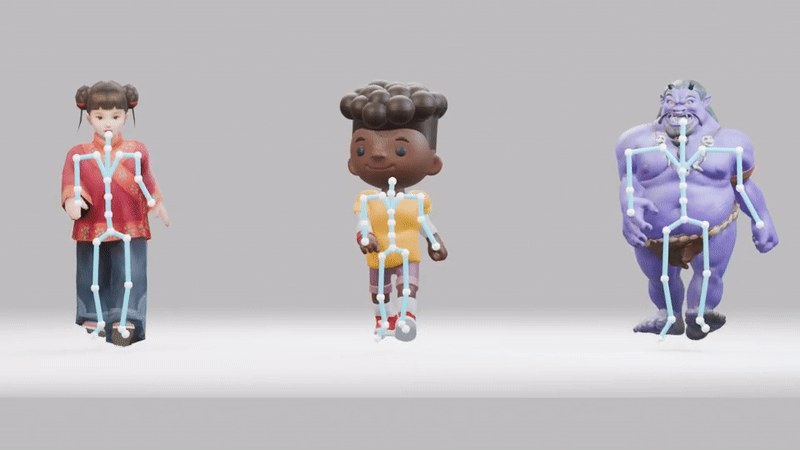
Three downloaded characters with textures and generated skeletons, driven by the same motion.
AutoRig uses Make-It-Animatable, followed by Motius normalization and retargeting. Character credits, licenses & downloads.
Make it your workflow
Clone the framework, install the core, and choose a released model. Checkpoints and body-model assets are downloaded separately.
Read the quickstartgit lfs install
git clone https://github.com/ZeyuLing/Motius.git
cd Motius
git lfs pull
python -m pip install -e ".[dev]"Requires Python 3.10+ and Git LFS.